
Tutorials and Videos
Pronto is seeing regular upgrades with new features being added based on customer and distributor feedback. To get the most out of Pronto, we encourage you to watch these short tutorials, particularly as some of the advanced functionality may not be immediately obvious.
Power Master Adaptive Store

NOTE: Synergy Systems, our US distributor, has also produced some excellent training videos. To visit their site and see the videos, click here.
Flicker
ORL PQ Training 1 Flicker
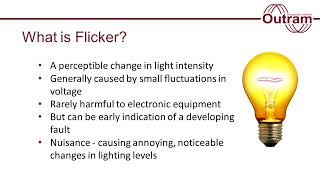
For more information on Flicker, what it is, why we record it and how its measured, as well as the way to extract flicker results from your PM analyser recordings, please watch our video below.
General
Data Selection - Full Tutorial
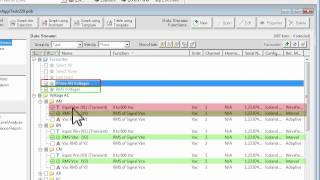
Recognising that as the number of data streams recorded grows (can be almost 500 in some of our loggers), it can get hard to find the exact data you want, so we’ve enhanced the data selection list, with options to group data streams into folders (e.g. by type, units, etc.) and create favourites of your most used data stream combinations.
NOTE: This tutorial has also been divided up into 4 shorter separate tutorials. These tutorials contain a little more detail on each of the separate subjects.
Data Selection (1 of 4) - Grouping by Folder
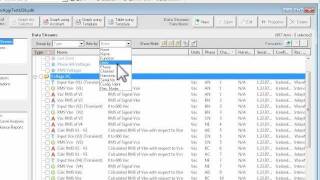
Part 1 of the Data Selection tutorials shows how to group data into one or two layers of folders.
Data Selection (2 of 4) - Show/Hide Buttons
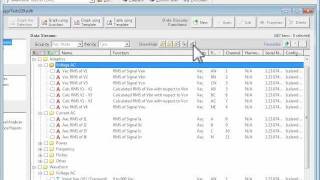
Above the data selection window, there are 5 show/hide buttons, which cover expanding/collapsing all folders, showing only folders with selected items, hiding unselected items and clearing the current selection.
Data Selection (3 of 4) - Using Favourites
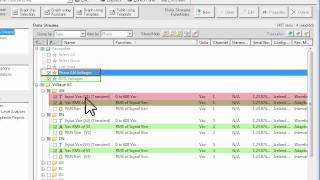
A feature of the new data selection window is the ability to save an often used data set as a favourite for quick selection. This tutorial covers how to use favourites, including use of the add, rename and delete buttons.
Data Selection (4 of 4) - Selecting Items
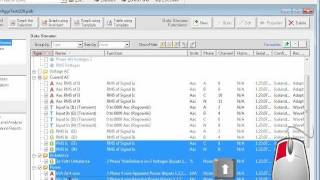
This tutorial outlines all the different ways single or multiple data items can be selected using the mouse and/or keyboard in the new data selection window.
Graphs / Views
Graph zooming and panning without changing cursor types
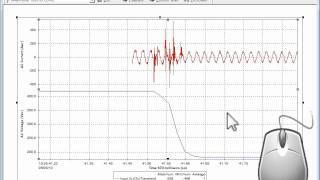
Quickly zoom and pan around your graph without using the toolbar or graph menu to swap cursor types.
Templates (1 of 3) - Creating/using view (graph) templates
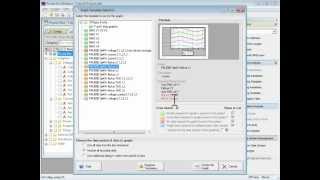
Save your favourite graphs (with all formatting and setup) into view templates that can be applied to new data with just a few clicks.
Templates (2 of 3) - Organising view templates
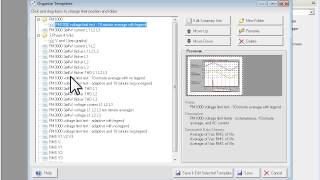
Rename, delete and move into folders. Organise your favourite view templates in an easy to use browser. Also find templates on your hard drive to copy to other computers.
Templates (3 of 3) - Editing/Duplicating templates
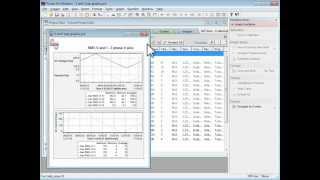
Edit an existing template and see how to create a new template based on an existing template but for different data streams.
Tables (previously called Reports)
Tables (1 of 3) - New look tables in Pronto 6.0
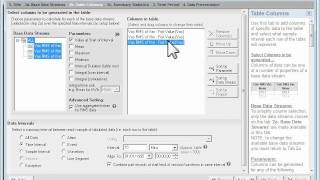
What were Reports in Pronto versions prior to 6.0 are now called Tables and their look and feel is a little different. This tutorial gives an overview of the table generation process, creating a simple table by way of an example. In particular, it gives a simple explanation of how to use the basic functionality of the Table Assistant.
Tables (2 of 3) - Summary Statistics and Using Table Templates
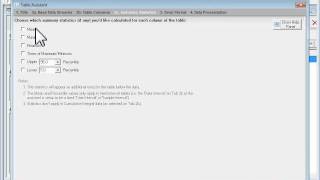
This tutorial follows on from Tables Part 1 and adds the calculation of summary statistics (maximum/minimum column values) to the table to do some basic EN50160 compliance checks. The tutorial also covers how to save a table as a template and then apply the template to data in another project.
Tables (3 of 3) - 95th Percentile of 50 Harmonics Example and Export to Excel
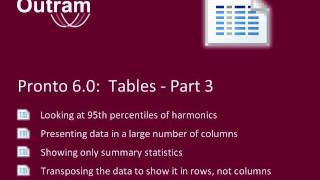
Using the example of looking at 95th percentiles of 50 harmonics, this tutorial shows how data in a large number of columns can be presented in a concise way, showing only summary statistics, and by transposing the data to show it in rows, not columns. It also shows how to easily export table data to MS Excel.